Jenny Mod vs Minecraft Java Edition: What’s the Difference?
If you searched for “Jenny Mod vs Minecraft Java Edition”, you probably have one simple question: are these two different games, and which one should I play?
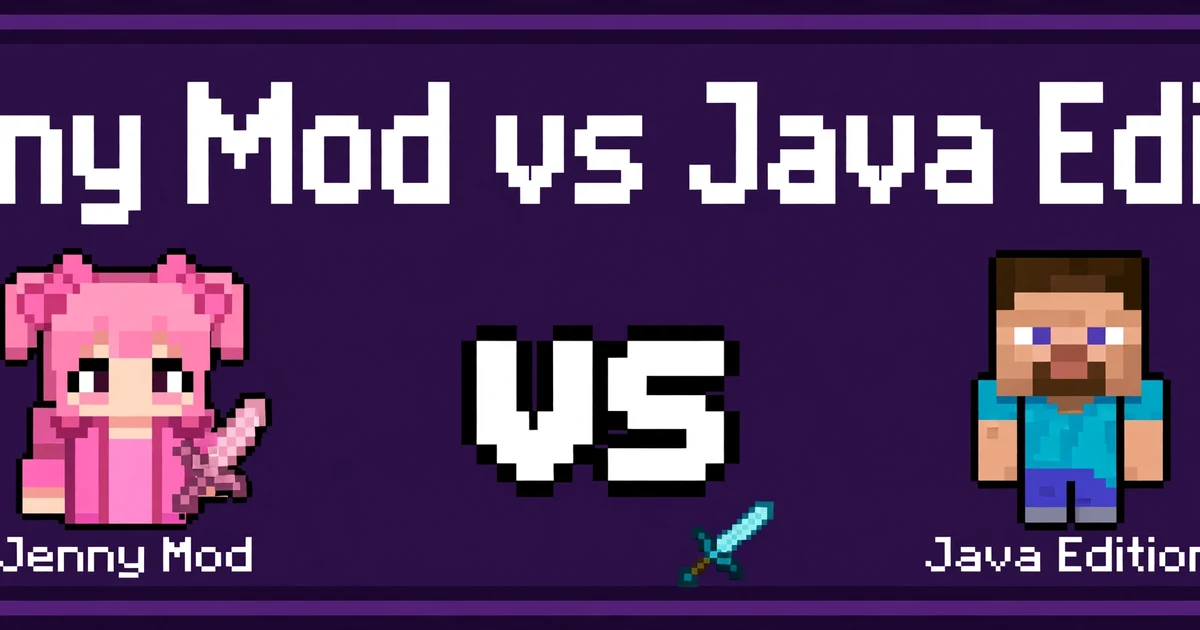
Here is the short answer: they are not two games. Minecraft Java Edition is the full, official game. Jenny Mod is a modification extra content you add to Java Edition. You do not choose one or the other. You start with Java Edition, and you add Jenny Mod on top of it if you want what it offers.
This guide explains the difference in plain words, compares them side by side, and helps you decide which setup is right for you.
If you have not installed anything yet, start with Download Jenny Mod and our guide on how to install Jenny Mod on PC.
Your 2-minute quick-start
Before the details, here is the whole comparison in five lines:
- Java Edition is the game. You buy it, install it, and play it. It works on its own.
- Jenny Mod is an add-on. It does nothing on its own. It needs Java Edition to run.
- Java Edition is official. It is made by Mojang, with official updates and support.
- Jenny Mod is community-made. It is made by modders, not by Mojang, and it is not on CurseForge.
- You can have both. Install Java Edition first, learn the game, then add Jenny Mod when you want a companion in your world.
That is the whole story. The rest of this guide fills in the details.
What is Minecraft Java Edition?
Minecraft Java Edition is the official PC version of Minecraft, made by Mojang. It is the version most people mean when they say “Minecraft on PC”, and it is famous for one thing above all: modding.
With Java Edition, you get the full standard game: Survival mode, Creative mode, exploration of caves, villages, deserts, oceans, the Nether, and the End, redstone machines and automation, and multiplayer on thousands of servers. You can also change how it looks with resource packs and shaders.
Java Edition is the only edition with this level of modding freedom. Players have made thousands of mods for it new creatures, new machines, new dimensions, and new ways to play. Jenny Mod is one of those thousands of mods.
What is Jenny Mod?
Jenny Mod is a community-made Minecraft modification. It is not an official Minecraft product, and Mojang did not make it. It adds a companion character named Jenny — plus other characters like Ellie, Bia, and Bee Girl to your Minecraft world.
What the mod adds:
- A companion who follows you through plains, forests, villages, and caves.
- Talking and gifts. Right-click Jenny to open her menu, talk to her, and give her flowers, gold, or diamonds to build trust.
- Help in fights. Jenny attacks hostile mobs that come close to you.
- Animations. Walking, waving, dancing, and reacting smoother than a normal Minecraft mob.
- New characters and places. Jenny’s house, and other characters in their own biomes.
The key point: Jenny Mod is not a game. You cannot install it and play it by itself. It only works when added to a compatible Minecraft Java Edition install — mainly version 1.12.2 with Forge. Meet the full cast in our guide to all Jenny Mod characters.
Jenny Mod vs Minecraft Java Edition: the key differences
Here is the comparison at a glance:
| Feature | Minecraft Java Edition | Jenny Mod |
|---|---|---|
| Made by Mojang | Yes | No — community-made |
| Official Minecraft product | Yes | No |
| Type | Full game | Third-party modification |
| Works on its own | Yes | No — needs Java Edition |
| Custom content | Optional — thousands of mods exist | That is its whole purpose |
| Official updates | Yes, from Mojang | Depends on the mod developers |
| Multiplayer | Huge server community | Only where the server allows the mod |
| Installation | Official launcher | Extra steps: Forge + mod file |
| Best for | Everyone, especially new players | Players who want a companion |
The biggest takeaway is simple: you do not normally choose between Java Edition and Jenny Mod. Java Edition is the game. Jenny Mod is something you add to it.
Gameplay comparison
Playing vanilla Java Edition
Vanilla Java Edition the game with no mods is built around freedom. You can spend a hundred hours building a city, or a hundred hours surviving in a hardcore world, or a hundred hours automating farms with redstone. There is no single right way to play, and no companion walking beside you unless you join a multiplayer server.
That freedom is also the challenge. You play alone in single-player. Villagers trade with you, but they do not follow you or help you fight. The world can feel quiet after a while — and that is exactly the gap Jenny Mod tries to fill.
Playing Java Edition with Jenny Mod
Add Jenny Mod, and the core game stays the same. You still mine, craft, build, and survive. What changes is that you have a companion: Jenny follows you, talks to you, reacts to gifts, and fights beside you at night.
Our Jenny Mod gameplay guide walks through what that feels like exploring together, surviving the first night, and building a base that feels like home.
One honest note: the mod changes the feel of the game more than the rules of the game. If you want new bosses, new weapons, or a new dimension, Jenny Mod is not that. If you want company in a world you already love, it is exactly that.
Graphics and visual experience
Minecraft Java Edition has a simple blocky style, but you can change how it looks. Resource packs replace textures, and shaders improve lighting, shadows, water, and clouds. Two players with the same game can have very different-looking worlds.
Jenny Mod does not change any of that. It runs inside Minecraft, so the graphics still depend on your version, resource packs, shaders, and hardware. The mod adds character models and animations, but the world around Jenny is still the same blocky Minecraft.
Installation and compatibility
Installing Java Edition is simple: buy it, download the official launcher, and play. Installing Jenny Mod takes more steps, and this is where most beginners get stuck.
For Java Edition with Jenny Mod, you need:
- Minecraft Java Edition, version 1.12.2 the version the original mod was built for.
- Minecraft Forge for 1.12.2 the mod loader. Launch the game with the Forge profile, not Vanilla.
- The Jenny Mod
.jarfile placed in the.minecraft/modsfolder. - Matching versions. The game, Forge, and the mod must all be for the same version. A 1.12.2 mod will not run on Minecraft 1.20.
Compatibility is the biggest headache in modded Minecraft. A mod made for one version may not work on another, and when Minecraft updates, mods need updating too — sometimes quickly, sometimes never. That is why many modded players stay on one older version, like 1.12.2, instead of always updating to the newest release.
If you want the step-by-step install, follow our guide on how to install Jenny Mod on PC. And if anything breaks, our Jenny Mod not working guide covers the ten most common fixes.
One more thing to know: Jenny Mod is not listed on CurseForge. Our Jenny Mod on CurseForge guide explains why, and what that means for where you download it from. Be careful with third-party download sites some show fake download buttons or bundle unwanted software. Only download from sources you trust, and never run a file that was supposed to be a .jar but arrived as an .exe.
Updates: official game vs community mod
Official Minecraft updates come from Mojang. New versions add blocks, mobs, biomes, mechanics, and bug fixes and they arrive on a regular schedule.
Mod updates work differently. When Minecraft changes, the mod developer has to update the mod before it works with the new version some update fast, others take months, and some stop entirely. That is the real trade-off: if you want the newest official Minecraft features, vanilla Java Edition is the simplest choice. If you care more about this mod, staying on 1.12.2 matters more than having the newest blocks.
Multiplayer differences
Java Edition has an enormous multiplayer community survival servers, minigame networks, creative communities, and private worlds with friends. You can join most of them with a normal, unmodded install.
Jenny Mod in multiplayer is more limited: everyone on the server needs the same mod files, and many public servers do not allow mods at all. A small private server with friends works best.
Who should choose which?
Java Edition is the right choice if you want: classic survival and creative building, redstone projects, multiplayer servers, official updates as they arrive, shaders and resource packs, access to thousands of mods, and long-term worlds that keep working after updates. For most new players, this is where to start. Learn the basics first mining, crafting, building, surviving the night then add mods when vanilla starts to feel familiar.
Jenny Mod is for players who already understand Minecraft and want a companion in their world. It suits you if you have played for a while and want a fresh feeling in a familiar game, you play mostly single-player, and you are happy to stay on Minecraft 1.12.2 with Forge to keep the mod working. It is not for you if you want the newest Minecraft version, official support, or a mod that works on every public server. If you are comparing it with the other popular companion mod, read Jenny Mod vs Girlfriend Mod first.
Is Jenny Mod better than Minecraft Java Edition?
It depends on what “better” means because they are not the same kind of thing.
If you want the original Minecraft experience, Java Edition is clearly the better starting point. It gives you the complete game, official updates, multiplayer, creative mode, survival, and the whole modding ecosystem.
Jenny Mod is only useful if you specifically want what it adds: a companion, new characters, and new interactions. It is more accurate to think of it as an optional extra than as an alternative to Java Edition. You can love both most Jenny Mod players do, because the mod only exists inside the game they already love.
Frequently asked questions
Is Jenny Mod the same as Minecraft Java Edition?
No. Minecraft Java Edition is the official PC version of Minecraft, made by Mojang. Jenny Mod is a community-made modification that adds characters and interactions to a compatible Java Edition install.
Can Jenny Mod work with Minecraft Java Edition?
Yes a compatible Java Edition install is required. The original mod was built for Java Edition 1.12.2 with Forge, so your game, Forge, and mod file versions must all match.
Is Jenny Mod officially made by Mojang?
No. Jenny Mod is made by members of the modding community. It is not an official Mojang product, and you should not expect official support or guaranteed compatibility.
Is Minecraft Java Edition better for beginners?
Yes, for most beginners. Java Edition teaches you the standard game first survival, crafting, building, and exploring without the extra setup a mod needs. Add Jenny Mod later, once the basics feel easy.
Can I use other mods with Minecraft Java Edition?
Yes. That is one of Java Edition’s biggest strengths. Just remember that every mod has its own version and loader requirements, so check each one before you install it — and test new mods one at a time.
Why do Minecraft mods sometimes stop working after an update?
Mods are built for specific Minecraft versions. When Minecraft updates, its code changes, and the mod developer has to update the mod before it works again. That is why many modded players stay on one version, like 1.12.2, instead of updating.
Conclusion
Jenny Mod vs Minecraft Java Edition is not really a contest. Java Edition is the game. Jenny Mod is an optional extra that changes how the game feels.
Start with Java Edition. Learn to survive, build, and explore. Then, when you want a companion beside you on the journey, add Jenny Mod and see what the game feels like with a friend in it. If you want to learn the basics first, our guide on how to use Jenny Mod in Minecraft covers your first steps, gifts, and simple commands.